
Welcome passLucky Block
Lucky Block
200%
up to 100,000 AED + 50 Free Spins
Log In18+. T&Cs apply. Play responsibly.
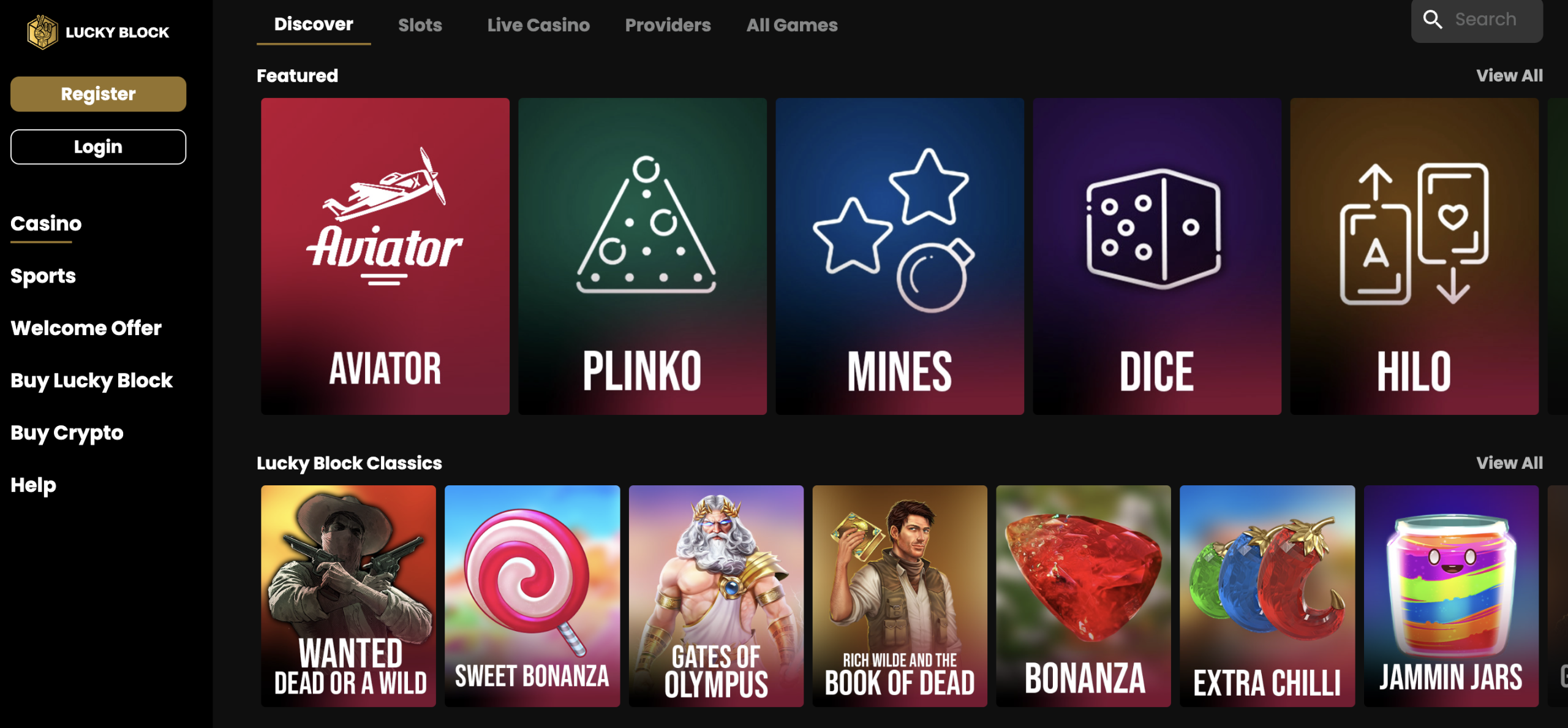
Log in to Lucky Block
Sign in with your e-mail or username and password; Lucky Block is not available in the UAE.
Select Log in and enter the e-mail address or username and password linked to your Lucky Block account.
Submit your details to sign in; on a new device, complete any additional check if two-step verification is enabled.
If you have forgotten your password, use the password-reset option on the login form and follow the reset instructions sent to your registered e-mail.
If access is locked after failed attempts, while verification is pending or during self-exclusion, contact support through live chat or email for help.
Use the Log in button to access your Lucky Block account with the e-mail address or username linked to it and your password. The casino does not accept players from the United Arab Emirates. If you already have an account and need help with access, live chat and email are the available support channels.
Open the casino site and select Log in. Enter your account e-mail or username and password in the sign-in form, then submit the details. Check that the address or username matches the one used for the account and that the password has been entered correctly.
If the form does not accept the details, try entering them again carefully. A saved password may be outdated, or the wrong e-mail address may have been used. Avoid repeated guesses if access is still refused; contact support through live chat or email for help with the account.
Choose the password recovery option on the sign-in screen and follow the prompts to request a reset. Use the e-mail address associated with the account and check its inbox for the next step. If the reset message does not arrive, check the address you entered and contact support for assistance.
Keep the new password available for your next sign-in, and replace any saved old version on your device. If you can access the account but want to change its password, check the account settings for the relevant option. Support can help if you cannot complete the reset or no longer have access to the registered e-mail address.
Lucky Block offers a mobile app and is also compatible with mobile devices. You can use the sign-in form on a phone or tablet, entering the same account e-mail or username and password used on the site. If you have installed the app, open it and look for its Log in option.
A new device may prompt additional checks before you can continue. Follow the instructions shown on screen, and contact support if you cannot complete them.
| Access point | What to expect |
|---|---|
| Website | Sign in with your account e-mail or username and password. |
| Mobile | The casino offers an app and supports mobile access. |
| Support | Contact the team by live chat or email for access assistance. |
Repeated incorrect password attempts can prevent access temporarily. An account may also be restricted while a verification check is pending or while a self-exclusion is active. If the message on screen does not explain the issue, contact support and provide the account details they request so they can help identify the next step.
Identity verification may be requested at any time, and a picture ID and recent utility bill may be required when making a withdrawal. If a verification request affects access, follow the instructions supplied for your account. Do not create another account to get around a restriction; ask support to clarify the status instead.
How do I reset my Lucky Block password? Select the password recovery option on the sign-in screen and follow the prompts. Use the e-mail address linked to the account so the reset can be directed to the right inbox. If you cannot access that address or the reset process fails, contact support by live chat or email.
What should I do if my account is locked? Stop retrying passwords and check the message shown on the screen. Failed attempts, a pending verification check or an active self-exclusion can affect access. Contact support to ask what applies to your account and follow the steps they provide.
Can I log in on my mobile? Yes. Lucky Block supports mobile access and offers a mobile app, so you can sign in on a phone or tablet with your account e-mail or username and password. A new device may trigger an additional check; complete any on-screen instructions before continuing.
How can I change the e-mail on my account? If you can sign in, check the account settings for an option to update your e-mail address. The casino may ask you to verify the change before it takes effect. If you cannot reach the setting or no longer have access to the old address, contact support for help.
Why am I being asked for a verification code? If two-step verification is enabled, sign-in may require a code in addition to your password. Enter the code requested on screen to continue. If you cannot access the method used to receive it, contact support rather than repeatedly submitting incorrect codes.
Can I use the casino from the United Arab Emirates? Lucky Block does not accept players from the United Arab Emirates. Do not attempt to open or use an account from this market. If you have an existing account and need help with its status, contact support through live chat or email.
| Access point | What to expect |
|---|---|
| Mobile access | The casino offers a mobile app and is mobile-compatible. |
| Support | Live chat and email. |
| Identity checks | A picture ID and recent utility bill may be required for a withdrawal; identity verification may be requested at any time. |
Sign in with the e-mail address or username and password linked to your account. These answers cover password recovery, access checks and mobile login.
Select Log in and enter the e-mail address or username linked to your Lucky Block account, followed by your password. Check the details for typing errors before submitting. If the credentials are correct, the casino opens your account; keep the password private and use the recovery option if you cannot remember it.
Choose the forgotten-password option on the login screen and follow the instructions to reset your password. Use the e-mail address linked to the account so you can receive the reset steps. Once the password has been changed, return to Log in and enter your account details again.
A login may be blocked after repeated failed attempts, while verification is pending, or during self-exclusion. Check that your credentials are correct and complete any verification step requested for your account. If access remains blocked, contact Lucky Block support through live chat or email for help with the account.
Lucky Block is compatible with mobile play, so you can open the casino site on a mobile device and use Log in there. Enter the same e-mail address or username and password used for your account. The casino also offers a mobile app, but use the official casino channels to access it.
If two-step verification is enabled for your Lucky Block account, complete the additional verification step after entering your password. A login from a new device may also prompt an account security check. Follow the instructions shown during sign-in, or contact support if you cannot complete the check.
Contact Lucky Block support through live chat or email if you need help changing the e-mail address on your account. Be ready to confirm that the account belongs to you, as identity verification may be requested at any time. Support can guide you through the account update process.
200% up to 100,000 AED + 50 Free Spins
Still deciding? Your welcome offer is ready to claim.